Service Navigation
A completed form, a submitted application and a final decision are different stages. Keep enough evidence to recognise which stage you reached.
Decide what completion means
Before starting a service, identify the evidence you expect at the end: an acknowledgement, a reference number or a downloadable receipt. The exact output depends on the department. Do not assume a filled form has been sent merely because its fields are complete. Read the final screen and any confirmation shown by the actual service.
Create a concise private note
A useful record contains the service name, submission date, reference and the next stated action. If there is no acknowledgement, write that down instead of creating your own status. Keep the note in a private location. Avoid recording passwords, one-time codes or full identity documents alongside a routine tracking reference.
Check through the same official route
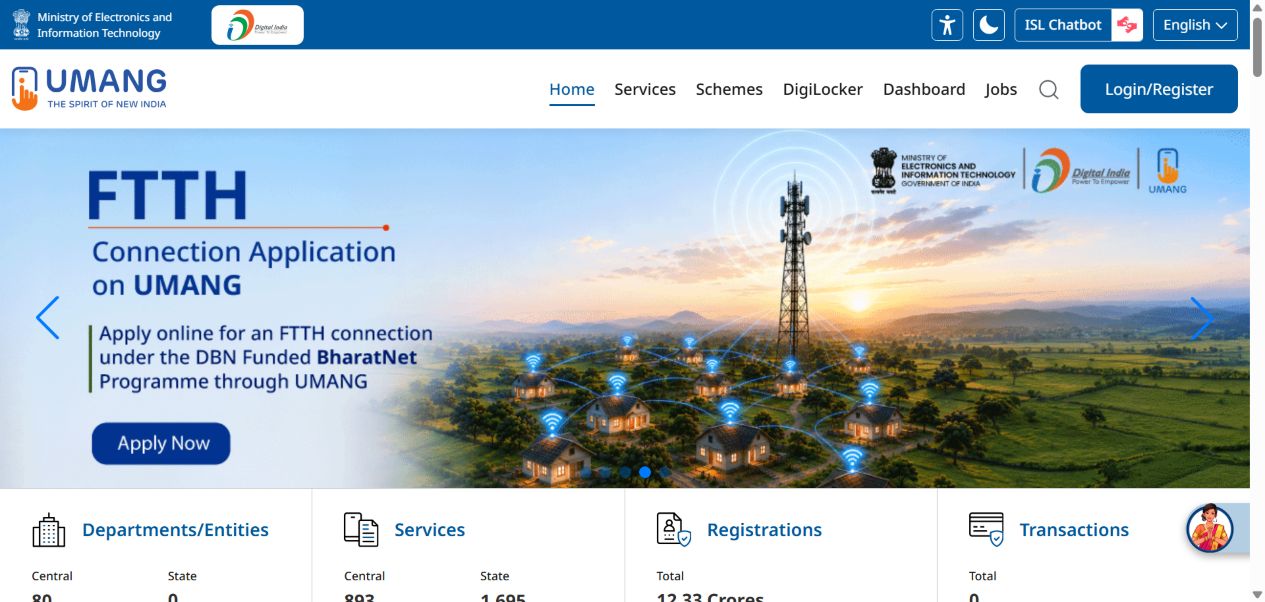
Return through the service or department channel that issued the reference. Do not type it into a random status-checking website found in a search ad. UMANG’s directory can help locate the department, but the department’s instructions determine how a particular application is tracked. If there is a stated waiting period, follow that guidance rather than refreshing continuously.
Make a support request actionable
Explain the expected next step and what actually happened. Include the service name, approximate submission time and exact error wording. Ask which stage the request reached before submitting a duplicate application. Keeping the question narrow helps support distinguish an incomplete form from an accepted request awaiting a decision.
Your next steps
- Read the final service screen.
- Save the acknowledgement privately.
- Record the next action or stated waiting period.
- Use the issuing service’s official tracking route.