Safer Tasks
Search results can contain guides, adverts and third-party assistance services alongside official pages. Identify which kind of page you have opened.
Separate information from service access
An independent guide can explain a process without being authorised to process your application. Check the page’s stated role before entering details. On this website, service links take you to external official providers; we do not collect applications or retrieve documents on your behalf. Treat other publishers’ guides with the same distinction in mind.
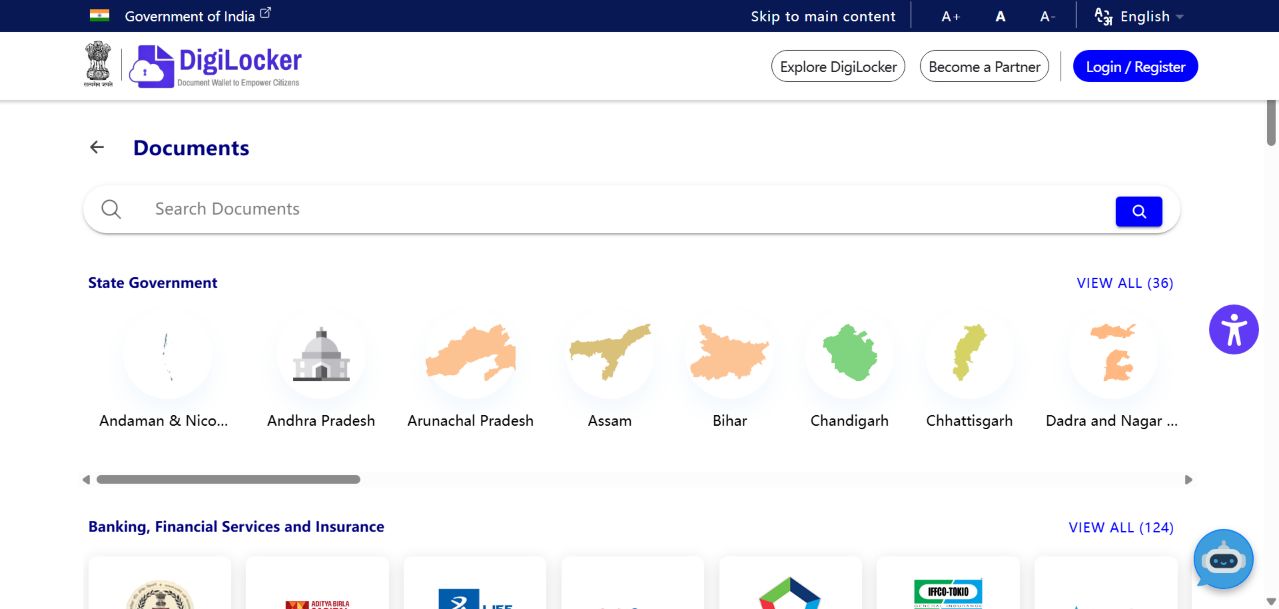
Use a known official starting point
For DigiLocker, its own FAQ identifies the official domain. For another service, begin with the responsible organisation’s verified site or an official directory you already trust. Read the domain carefully rather than relying on the page title. HTTPS protects a connection but does not by itself prove that a service is run by the organisation you intended.
Read what the form asks for
Before completing a form, identify why each sensitive field is needed and whether the requested action matches your task. A public information lookup should not automatically require every identity document you own. If a request seems unrelated, stop and check the official instructions. Do not pass account credentials or verification codes to someone offering to operate the service for you.
Keep help requests separate from account access
When asking an independent publisher a question, describe the general problem without sending login details. Account-specific issues belong with the service’s own support channel. If you have already entered information on a suspicious page, use the affected provider’s official recovery and reporting guidance. Avoid following further instructions from the same unverified contact.
Your next steps
- Identify the organisation operating the page.
- Check the official domain or directory entry.
- Read the purpose of sensitive fields.
- Use official support for account-specific help.